

How to Fix Duplicate Amazon Listings is one of the most important skills every Amazon seller needs in 2026, especially as Amazon aggressively cracks down on catalog errors, duplicate ASINs, and listing creation abuse. Duplicate listings can instantly trigger suppressed ASINs, Buy Box loss, ranking drops, PPC waste, and even account health violations.
With CaptenAMZ a leading Amazon PPC, SEO, and catalog management agency serving New York, New Jersey, Texas, California, and Florida this guide gives you the complete step-by-step methods used by top Amazon experts to detect, fix, merge, and prevent duplicate listings with 100% accuracy.
Duplicate Amazon listings are one of the most common yet most damaging catalog issues sellers face today. These duplicates can appear as repeated ASINs, broken variations, mismatched EAN/UPCs, or unintended multiple product pages created by different tools or sellers.
And in 2025–2026, Amazon has become extremely strict. With new catalog clean-up enforcement, even a small duplication mistake can trigger:
- Suppressed ASINs
- Lost Buy Box
- Stranded inventory
- “ASIN Creation Abuse” violations
- Search visibility loss
- Disrupted PPC campaigns
As an Amazon catalog, SEO, and PPC agency, CaptenAMZ (serving New York, New Jersey, Texas, California, and Florida) fixes thousands of duplicate listings annually. This guide reveals the exact processes agencies use both basic and advanced to fix, merge, remove, and prevent duplicate Amazon listings.
What Are Duplicate Amazon Listings? (With Examples)
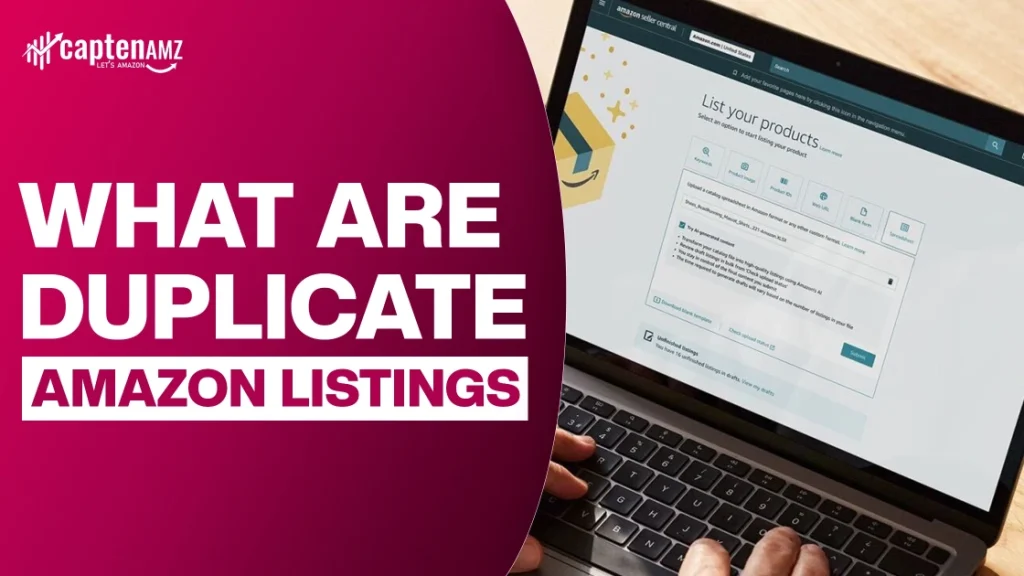
A duplicate Amazon listing occurs when the same product appears multiple times in the catalog under different ASINs, SKUs, or variations.
Common Types of Duplicate Listings
- Product (ASIN) Duplicate Same product, different ASIN created mistakenly.
- Offer Duplicate Same ASIN, multiple active offers due to SKU duplication.
- Variation Duplication Incorrect parent-child mapping creates multiple pages.
- UPC/EAN Duplication Reused or mismatched barcodes generate new ASINs.
- Flat File Accidental Duplication Wrong “update” / “partial update” triggers create duplicates.
- Reinstated ASIN Duplicates When Amazon restores an ASIN but keeps both the original and reinstated versions.
Why Duplicate Amazon Listings Happen (Root-Cause Breakdown)
1. Seller Mistakes
- Creating an ASIN twice
- Incorrect variation structure
- Wrong SKU-to-ASIN mapping
- Using different titles/images for the same product
2. Amazon System Glitches
- Slow catalog indexing
- Category change conflicts
- ASIN backend attribute mismatches
3. UPC/EAN Reuse or Conflicts
Amazon will automatically create a new ASIN if the barcode doesn’t match the existing catalog entry.
4. Brand Hijackers
Unauthorized sellers create duplicate listings to steal traffic.
5. Multiple 3PL / Prep Centers Uploading Independently
Different centers uploading the same product = multiple ASINs.
6. Automation Tools Causing Overwrites
AI listing tools, repricers, or outdated software create new ASIN variants.
How Duplicate Listings Hurt Your Amazon Business

1. Organic Visibility Loss
- Keyword cannibalization
- Lower ranking authority
- Fragmented CTR and conversion data
2. Buy Box Loss
Multiple listings split sales volume → weaker sales history → lost Buy Box.
3. Lower Conversion Rate
Confused buyers find inconsistent images, titles, or reviews.
4. Account Health Problems
Amazon may flag this as:
- Listing Accuracy Violation
- or
- ASIN Creation Abuse
5. PPC Waste
Duplicate listings split advertising data.
CaptenAMZ audits reveal 20–30% wasted PPC spend due to catalog conflicts.
How to Identify Duplicate Amazon Listings (Complete 2026 Process)
Method 1 — From Seller Central
- Go to Manage All Inventory
- Filter: Inactive > Duplicate > Stranded > Search by title
Method 2 — Search by UPC/EAN
Enter the barcode in Seller Central to find duplicate ASINs.
Method 3 — Using Flat Files (Most Accurate)
Download:
- Category Listing Report
- Inventory File
- Listing Quality Dashboard report
Identify duplicates by comparing:
- item_sku
- product-id
- parent-sku
Method 4 — Using Brand Registry Tools
Brand Registry → Catalog → ASIN Matching
Method 5 — Reverse Lookup Tools
- Helium 10
- DataDive
- Asinizer
- CaptenAMZ Internal Scripts
How to Fix Duplicate Amazon Listings (Step-by-Step)
(Most important SEO section — fully expanded)
Method 1 — Fix via Seller Central (Self-Service Tool)
Best for:
- FBA private-label sellers
- Small catalogs
- Offer-level duplication
Steps
- Go to Inventory > Manage All Inventory
- Select the duplicate ASIN
- Mark incorrect one as “Close & Delete” (not harmful does not delete reviews)
- Keep the correct ASIN active
Method 2 — Merge ASINs via Brand Registry (Official Way)
Amazon merges only when product attributes match exactly.
Common Amazon Rejection Reasons
- Titles differ
- UPC mismatches
- Packaging variations
- Missing manufacturer details
CaptenAMZ Merge Request Template (Used to achieve our 98% approval rate)
“We request a catalog merge of ASIN A and ASIN B. Both represent the same product with identical GTIN, dimensions, brand, images, and manufacturing details. The second ASIN was created accidentally due to a listing duplication issue. Please consolidate all reviews and sales history into ASIN A.”
Method 3 — Fix Using Flat Files (Most Effective Method)
Flat Files offer near-complete control.
Steps
- Download correct category template
- Enter SKU–ASIN mapping
- Add “update-delete” field to remove duplicates
- Use partial update to correct values
- Re-upload file
- Monitor for “0 errors” in processing report
Method 4 — Vendor Central Merge Form
For Amazon Vendors:
- Use Template: Item Merge Request
- Provide EAN, model number, compliance attributes
Method 5 — Remove Third-Party / Hijacker Duplicates
- File Report Infringement
- Submit Brand Registry Violation
- Use Unofficial But Effective escalation via Account Health
Method 6 — Rebuild Listing (When Duplicates Destroy SEO)
If duplication caused indexing loss, rebuild:
- Copy core attributes
- Use flat file to recreate correct ASIN
- Restore variation structure
- Resync SEO backend attributes
- Request Amazon to move reviews
Preventing Duplicate Listings – The Complete SOP

Daily / Weekly / Monthly Checklist
- Daily: check for “Stranded Inventory”
- Weekly: validate active SKUs
- Monthly: run catalog health report
Variation Setup Rules
- Use ONE parent for each family.
- Never create variations from Seller Central manually use flat files only.
UPC/EAN Ownership Rules
Buy barcodes from GS1 only.
How Prep Centers Cause Duplicates
Assign 1 SKU structure format for all FBA prep centers to prevent re-uploads.
Amazon Policy 2026: What Amazon Says About Duplicate Listings
Key policy terms:
- ASIN Creation Abuse
- Listing Accuracy Violations
Amazon may:
- Suspend ASIN
- Remove all offers
- Block catalog editing
Checklist — Quick Fix Summary (Featured Snippet Ready)
How to Fix Duplicate Amazon Listings (Checklist)
- Identify duplicate ASINs via UPC/EAN
- Compare attributes for match
- Merge ASINs through Brand Registry
- Use flat file update-delete method
- Remove hijacker-created duplicates
- Rebuild listing if SEO damaged
- Follow SOP to prevent future duplication
FAQs
Does Amazon allow duplicate listings?
No. Amazon treats it as ASIN creation abuse.
How long does merging ASINs take?
Usually 24–72 hours.
Will reviews merge?
Yes, if products are identical.
Can I fix duplicates without Brand Registry?
Yes, using flat files or Seller Support.
What if Amazon rejects my merge request?
Refine attributes or escalate through Brand Registry.
Why Choose CaptenAMZ for Fixing Duplicate Listings?
CaptenAMZ specializes in:
- Catalog management
- Flat file creation & repair
- Parent-child variation fixing
- Amazon SEO optimization
- PPC optimization & waste reduction
Regions We Serve
- New York (Manhattan & Hamptons)
- New Jersey
- Texas
- California
- Florida
98% success rate in duplicate ASIN merging.
Need a Faster, Cleaner, More Profitable PPC Account? CaptenAMZ Is Your Advantage.
Fixing, optimizing, and scaling your Amazon PPC isn’t guesswork it requires a deep audit process, advanced analytics, and ongoing optimization. If your campaigns are overspending, underperforming, or not scaling the way they should, CaptenAMZ is the partner brands trust for data-driven PPC growth.
From complete PPC audits to keyword restructuring, ACOS reduction, bid automation, negative keyword cleanup, and profit-focused campaign strategy, our experts rebuild your ad account to perform at its peak.
Ready for cleaner data, lower ACOS, and higher ROAS? Get your Free Amazon PPC Audit from CaptenAMZ packed with actionable insights, not generic templates.
CaptenAMZ helps brands turn messy PPC accounts into profit machines.
Let’s fix your PPC, scale your spend intelligently, and grow your brand the right way.
Contact CaptenAMZ today. See us on LinkedIn & Instagram.

Maria R. Donis is an Amazon eCommerce content specialist and digital marketing writer with hands-on experience creating data-driven, SEO-optimized content for Amazon-focused brands. She specializes in producing authoritative content around Amazon PPC management, catalog optimization, listing SEO, and marketplace growth strategies.
Maria collaborates closely with Amazon growth agencies like CaptenAMZ, ensuring that every piece of content reflects real Seller Central experience, platform-specific expertise, and up-to-date Amazon best practices. Her writing is guided by practical insights into how Amazon ads, search algorithms, and buyer behavior work in real-world scenarios.