
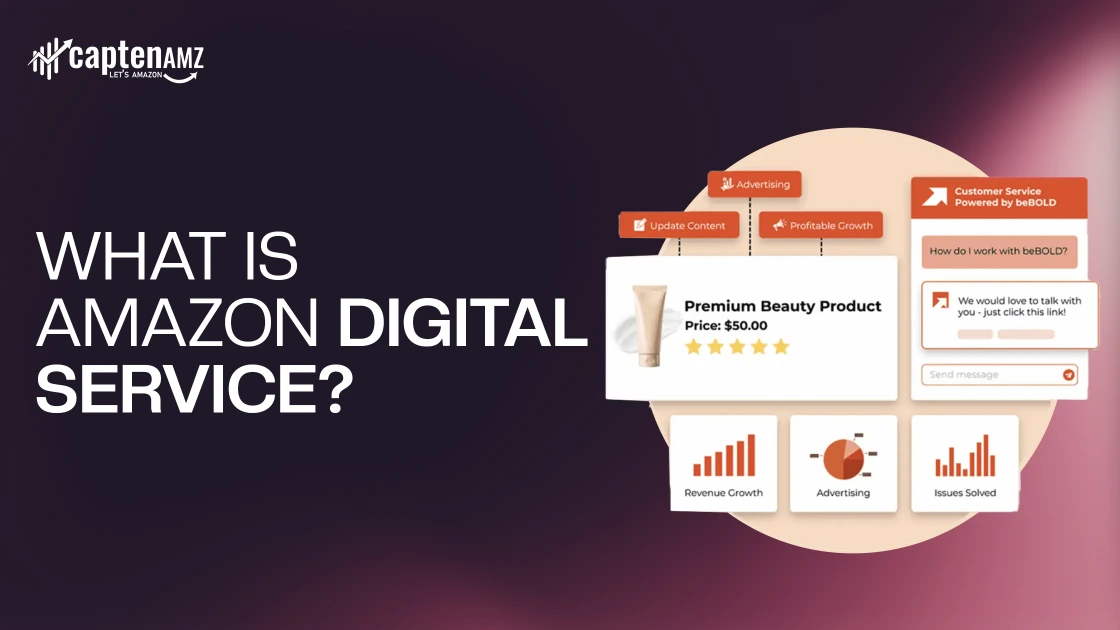
Amazon Digital Service is a billing category used by Amazon for digital content, subscriptions, and virtual products delivered instantly rather than shipped physically. It includes services like Kindle eBooks, Prime Video rentals and channels, Amazon Music subscriptions, Audible audiobooks, apps, games, cloud storage, and other digital purchases tied to your Amazon account.
When you see a charge labeled Amazon Digital, Amazon Digital Services, or Amazon Digital Services LLC on your bank or credit card statement, it usually means you purchased or subscribed to a digital product often through a free trial, auto-renewing subscription, one-click purchase, Alexa command, or a shared family account.
This guide explains exactly what is Amazon Digital Service means, why these charges appear, what services are included, how subscriptions and auto-renewals work, and how to check, cancel, or avoid unwanted digital charges so you can stay fully in control of your Amazon account and spending.
What Does “Amazon Digital Service” Mean on Your Bank Statement?
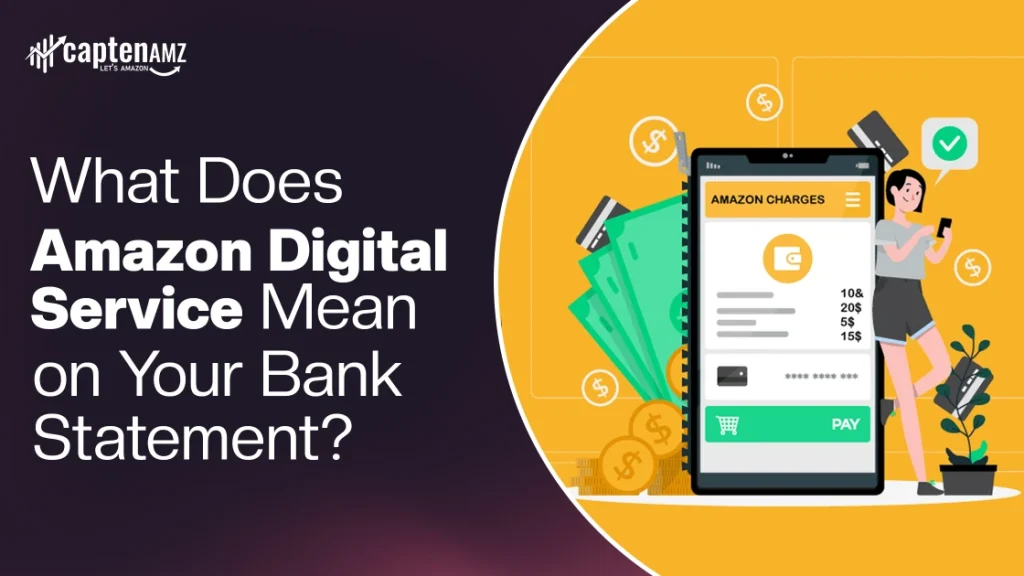
Seeing Amazon Digital, Amazon Digital Services, or Amazon Digital Services LLC on your bank or credit card statement usually means:
- You purchased digital content (movie, eBook, app, audiobook)
- You started or renewed a subscription
- A free trial converted into a paid plan
- A family member made a digital purchase on a shared account
Common Reasons for Amazon Digital Charges
- Kindle Unlimited subscription renewal
- Prime Video channel subscriptions (HBO, Starz, etc.)
- Amazon Music Unlimited monthly fee
- Audible membership charge
- App or in-app purchase
- Alexa or one-click digital purchase
These charges are legitimate in most cases, but they can feel confusing because Amazon groups them under one billing label.
What Is Amazon Digital Services LLC?
Amazon Digital Services LLC is a legitimate Amazon-owned entity responsible for selling and billing digital products.
Why This Name Appears on Statements
- It is Amazon’s legal billing entity for digital services
- Used for subscriptions, rentals, and digital purchases
- Appears instead of “Amazon.com” to separate digital revenue
If you see this name, it does not mean fraud by default it simply reflects how Amazon structures digital billing.
What’s Included in Amazon Digital Services?
Kindle & eBooks
- Kindle eBooks
- Digital magazines and newspapers
- Kindle Unlimited subscription for unlimited reading
Amazon Prime Video
- Streaming movies and TV shows
- Paid rentals and purchases
- Prime Video Channels (HBO, Starz, Discovery+, etc.)
Amazon Music
- Amazon Music Free
- Amazon Prime Music
- Amazon Music Unlimited (full on-demand catalog)
Audible Audiobooks
- Monthly audiobook subscriptions
- Credit-based audiobook purchases
- Exclusive Audible Originals
Amazon Appstore (Apps & Games)
- Apps and games for Fire devices and Android
- In-app purchases and subscriptions
Amazon Photos & Cloud Storage
- Free photo storage (Prime members)
- Paid cloud storage upgrades for videos and files
Amazon Luna (Cloud Gaming)
- Cloud-based gaming platform
- Subscription-based access to game libraries
Amazon Digital Services vs Amazon Prime
| Feature | Amazon Digital Services | Amazon Prime |
|---|---|---|
| Type | Digital content umbrella | Membership program |
| Includes | Music, video, books, apps | Shipping + some digital |
| Billing | Individual or subscription | Monthly or yearly |
| Auto-Renew | Yes | Yes |
| Physical Shipping | No | Yes |
Key difference:
Amazon Prime is a membership, while Amazon Digital Services is a category of digital products—some included with Prime, many not.
Why Am I Getting Amazon Digital Charges?
Many users search this after unexpected charges appear.
Most Common Causes
- Forgotten free trials
- One-click purchases
- Shared family accounts
- App-based subscriptions
- Alexa voice purchases
- Kids’ app or game purchases
Amazon makes digital buying fast which is convenient, but it can also lead to accidental charges.
Amazon Digital Services Subscription Prices (Overview)
Pricing varies by region and time. Below is approximate to stay evergreen.
Kindle Unlimited
- Monthly subscription
- Auto-renews unless canceled
Amazon Music Unlimited
- Individual and family plans
- Higher cost than Prime Music
Audible
- Monthly credit-based billing
- Credits roll over for a limited time
Prime Video Channels
- Separate subscriptions added to Prime Video
- Each channel billed individually
Amazon Kids+
- Child-focused digital content subscription
- Parental control features included
How Amazon Digital Services Auto-Renewal Works
Auto-renewal means:
- Your subscription renews automatically
- Charges occur at the start of each billing cycle
- Cancellation stops future charges, not current access
Amazon usually sends reminder emails, but they can be missed.
How to Check Your Amazon Digital Orders & Subscriptions
- Log in to your Amazon account
- Go to Accounts & Lists
- Open Memberships & Subscriptions
- Click Digital Orders
- Review purchases and active subscriptions
This is the fastest way to identify unknown charges.
How to Cancel Amazon Digital Services (Step-by-Step)
Cancel Amazon Music
- Go to Memberships & Subscriptions
- Select Amazon Music
- Turn off auto-renew
Cancel Prime Video Channels
- Open Prime Video settings
- Manage Channels
- Cancel unwanted subscriptions
Cancel Kindle Unlimited
- Visit Memberships
- Select Kindle Unlimited
- End membership
Cancel Audible
- Go to Audible account settings
- Cancel membership
- Use remaining credits first
Cancel Appstore Subscriptions
- Visit Appstore subscriptions
- Cancel individually
You’ll usually retain access until the billing period ends.
Can You Get a Refund for Amazon Digital Charges?
Refunds may be possible if:
- The charge was recent
- Content was not used
- It was an accidental purchase
Best Practice
- Contact Amazon Support immediately
- Use live chat for faster results
- Be clear and polite
Is Amazon Digital Service a Scam?
No Amazon Digital Service itself is not a scam.
Why It Feels Suspicious
- Vague billing labels
- Auto-renewal subscriptions
- Family or device-based purchases
How to Stay Safe
- Review subscriptions monthly
- Disable one-click buying
- Turn off Alexa purchasing
- Set parental controls
How to Avoid Unexpected Amazon Digital Charges
- Disable one-click digital purchases
- Turn off Alexa voice buying
- Enable purchase confirmations
- Monitor subscriptions regularly
- Use separate profiles for family members
Frequently Asked Questions (FAQ)
What is Amazon Digital Service?
Amazon Digital Service refers to Amazon’s digital products and subscriptions like streaming, eBooks, music, apps, and cloud services.
What is an Amazon digital service charge?
It’s a charge for digital content or subscriptions purchased through your Amazon account.
How do I stop Amazon Digital Services charge?
Cancel active subscriptions in Memberships & Subscriptions and disable auto-renew.
What is Amazon Digital Services used for?
It provides digital entertainment, reading, storage, apps, and cloud-based services.
How can I see my Amazon digital purchases?
Log in → Accounts & Lists → Digital Orders
Final Thoughts: Stay In Control of Amazon Digital Services
Amazon Digital Service is not a hidden fee or a scam it’s simply how Amazon bills digital content like streaming, eBooks, music, apps, and subscriptions. Most confusion happens because charges are automatic, bundled under a single billing name, and often tied to free trials, shared accounts, or one-click purchases.
By regularly reviewing your digital orders, managing subscriptions, and adjusting purchase settings, you can fully enjoy Amazon’s digital ecosystem without unexpected charges. Understanding how Amazon Digital Services work puts you back in control of your account, your subscriptions, and your spending. See us on LinkedIn & Instagram.
Need Help Managing Amazon the Right Way?
Whether you’re a shopper trying to avoid surprise charges or a brand selling on Amazon that needs clarity, control, and performance expert guidance matters.
CaptenAMZ helps brands optimize, manage, and scale their Amazon presence with data-driven strategies and human expertise. Start with a free expert Amazon audit today.

Maria R. Donis is an Amazon eCommerce content specialist and digital marketing writer with hands-on experience creating data-driven, SEO-optimized content for Amazon-focused brands. She specializes in producing authoritative content around Amazon PPC management, catalog optimization, listing SEO, and marketplace growth strategies.
Maria collaborates closely with Amazon growth agencies like CaptenAMZ, ensuring that every piece of content reflects real Seller Central experience, platform-specific expertise, and up-to-date Amazon best practices. Her writing is guided by practical insights into how Amazon ads, search algorithms, and buyer behavior work in real-world scenarios.