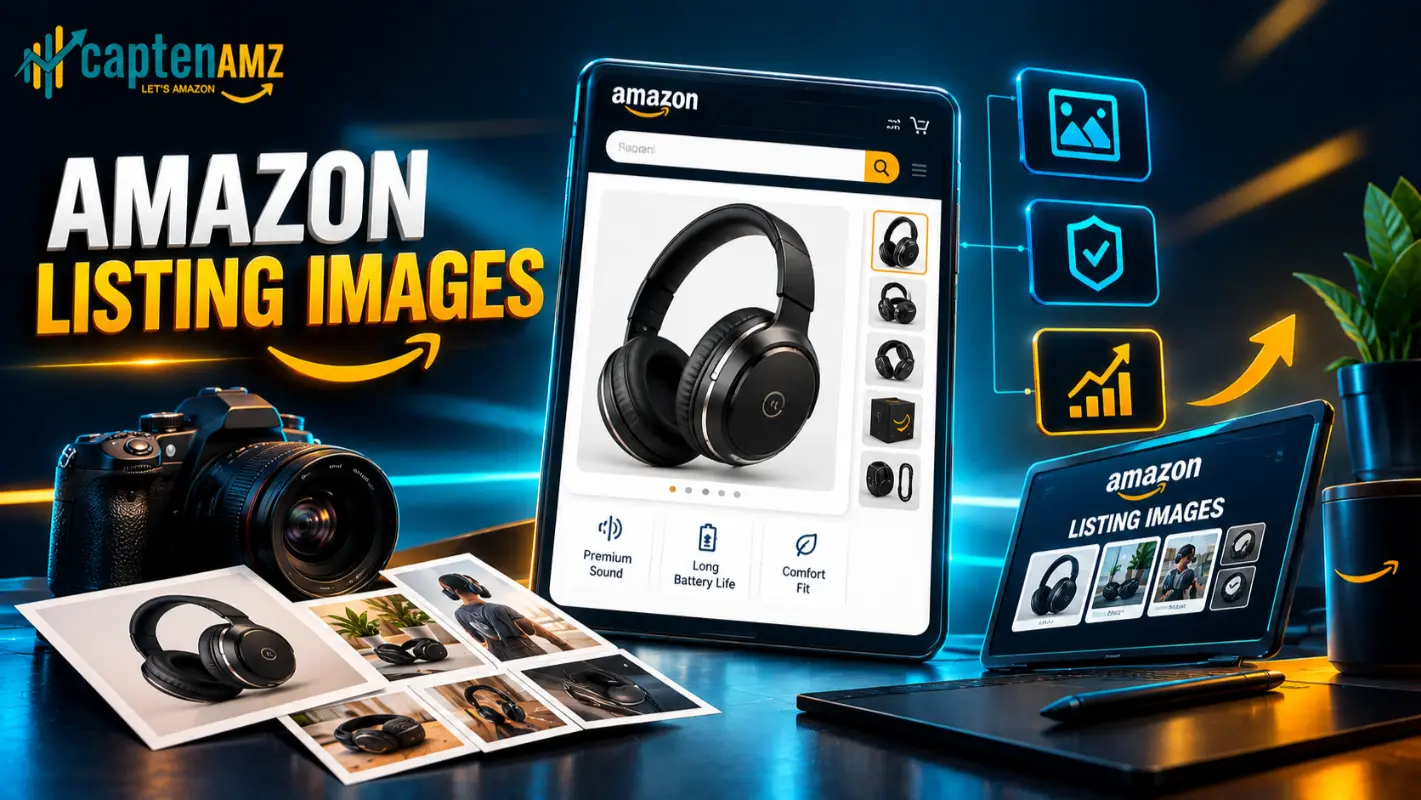
A shopper scrolling Amazon search results decides whether to click your product in under a second, and that decision is made almost entirely on the strength of your main image. Not your title. Not your price. Your image. Amazon listing images are the first sales pitch your product ever makes, and for most brands, they are also the most neglected part of the listing.
This guide breaks down exactly what Amazon allows, the image types every high-converting listing needs, how images quietly influence organic rank, the mistakes that cost sellers the most money, and what actually separates a real Amazon images agency from a freelancer with a camera and a template.
Why Amazon Listing Images Matter More Than Almost Anything Else on the Page
Every Amazon search results page is a wall of thumbnails competing for the same thumb-swipe. Your main image has to win that moment before a shopper ever reads a bullet point. Once they click through, the rest of your listing images carry the job of turning that click into a purchase, answering objections a shopper would normally ask a salesperson in a physical store: how big is it, what does it look like in use, what’s actually in the box.
Weak imagery does not just cost conversions on the page you see. It quietly inflates ad spend, because ACoS problems that look like a bidding issue are frequently a creative issue in disguise. You can fix a bid and still lose the sale if the image never earned the click, or earned the click and lost the shopper on the product page. Catalog-level issues compound the problem further; listing errors that kill sales often sit right next to image problems, and a listing that isn’t ranking is rarely a keyword problem alone.
Amazon’s Official Image Requirements (What You’re Actually Allowed to Upload)
Before any creative strategy matters, Amazon listing images have to pass compliance. The rules are strict, and violating them is one of the fastest ways to trigger a suppressed listing.

- Main image background: Pure white (RGB 255, 255, 255), with no props, text, logos beyond the product’s own branding, watermarks, or borders.
- Frame fill: The product should fill at least 85 percent of the image frame so it reads clearly at thumbnail size.
- Resolution: A minimum of 1000 pixels on the longest side to enable Amazon’s zoom function; 2000 pixels or higher is recommended for crisp zoom on mobile.
- File formats: JPEG, TIFF, or PNG. GIF files are not accepted.
- Image count: Most categories allow one main image plus up to eight secondary images, and many also support a product video.
- Secondary images: Unlike the main image, secondary images can include lifestyle backgrounds, infographic text, comparison charts, and size references.
Getting these specs wrong is a common trigger for a flagged or suppressed ASIN, and fixing it after the fact costs far more time than building it correctly the first time. If a listing has already been flagged, resolving a suppressed listing or working through a full catalog error fix should happen before new imagery goes live, since Amazon can reject uploads tied to an unresolved compliance issue.
The 7 Image Types Every High-Converting Amazon Listing Needs
Amazon gives sellers up to nine image slots, and each one should do a specific job rather than repeat the same angle of the product. A well-built set of Amazon listing images typically includes:
- The hero image. Compliant white background, sharp lighting, the product exactly as it will arrive.
- Lifestyle images. The product in real use, in context, helping shoppers picture ownership before they buy. This is where professional product photography and lifestyle imagery earns its place in the sequence.
- Infographic or benefit-callout images. Short, scannable text over a clean visual, answering “why this one” in under two seconds.
- Comparison charts. Positioning the product against alternatives or older versions, useful for categories where shoppers weigh several similar options at once.
- Size or scale images. Dimensions, capacity, or a human-in-frame reference to remove the single most common pre-purchase question.
- Packaging and unboxing images. What actually arrives, which reduces returns as much as it drives conversion.
- Social proof or UGC-style images. Review-style visuals that build trust without leaving the page.
A product video, where the category allows it, is worth treating as an eighth asset. Full listing image and EBC services typically cover this entire sequence as one coordinated set rather than nine disconnected files, which matters because shoppers scroll through the gallery in order and expect a narrative, not a random grid.
How Listing Images Influence Amazon SEO and Organic Rank
Images carry no keywords, so it is tempting to assume they sit outside Amazon SEO entirely. In practice, they are one of the more powerful indirect ranking levers a seller has. Amazon’s A9/A10 algorithm weighs sales velocity and conversion rate heavily, and both of those metrics are shaped directly by how well a listing’s images perform in the search results and on the product page.
A stronger main image improves click-through rate. Stronger secondary images and A+ Content improve conversion rate once the shopper is on the page. Both metrics feed the sales velocity signal that Amazon SEO ultimately rewards with organic placement. This is also why professional catalog services improve rankings as a package rather than image work alone; a strong product title earns the click, and the images have to close what the title promised, working alongside backend keyword optimization that Amazon’s indexing depends on but shoppers never see.
A+ Content and Premium Images: Where the Real Conversion Work Happens
For brand-registered sellers, A+ Content is where listing images stop being compliance-driven and start being fully creative. Modules below the standard gallery allow lifestyle backgrounds, layered text, comparison tables, and brand storytelling that the main image slots simply do not permit.
Well-optimized A+ Content measurably boosts sales, and A+ Content optimization done properly treats every module as an extension of the same visual story the gallery images started. Enhanced Brand Content services exist specifically to build that continuity, so a shopper who scrolls past the gallery images into A+ Content sees one coherent brand, not two disconnected design styles stitched together.
Amazon Brand Store Visuals: Extending the Image Strategy Beyond the Listing
The same visual system that works on a single listing should carry through to the brand’s storefront. Amazon Brand Store design gives sellers a dedicated, ad-free space to showcase a full catalog using the same photography and infographic style built for individual listings, which is particularly valuable for brands running Sponsored Brands campaigns that route traffic directly to the store.

The Most Common Amazon Listing Image Mistakes We See
Most underperforming listings share a small, repeatable set of image problems:
- Stock-photo energy. Generic staging that could belong to any product in the category, with nothing that signals this specific brand.
- Text-heavy secondary images. Paragraphs of copy where a shopper’s eye needs a two-second scannable claim instead.
- Inconsistent branding across images. Different fonts, colors, or photography styles from one slot to the next, which reads as unpolished even when each individual image is fine.
- Ignoring the mobile crop. Most Amazon traffic is mobile, and images designed only for desktop often lose critical details when cropped down.
- No video where the category allows one. Video consistently lifts time-on-listing and conversion, yet remains one of the most skipped assets.
- Outdated compliance. Amazon’s image policies shift, and images approved years ago can quietly fall out of compliance without an obvious warning.
Most of these mistakes trace back to incomplete listing optimization rather than a single bad photo, which is why full product listing optimization and professional listing services tend to treat images, copy, and backend data as one project instead of three separate ones.
DIY vs. Hiring an Amazon Listing Images Agency
A brand just launching its first ASIN can often get by with a solid smartphone photo on a clean white sheet and a basic editing tool, and that is a reasonable starting point. The math changes once a brand is running paid traffic, managing multiple SKUs, or expanding into new marketplaces. At that stage, every wasted click on an underperforming image is real ad spend, and the cost of getting it wrong compounds across every SKU it touches.
This is usually the point where sellers bring in Amazon seller consulting or work with an agency built for 7 and 8-figure brands, and it’s also the point where sellers moving off other platforms, such as a Shopify-to-Amazon expansion, need an image system built for Amazon’s specific rules rather than repurposed product photography built for a different channel.
What to Look for in the Best Amazon Images Agency
Not every agency that offers photography actually understands Amazon. The strongest Amazon images agency partners share a few traits that are easy to check before signing on:
- Catalog and PPC alignment. Image work that connects to catalog management and PPC management rather than sitting in a separate silo, since the same creative feeds both organic listings and ad placements.
- Compliance fluency. Deep familiarity with Amazon’s current image policies, not a template built years ago.
- Category experience. Photography and infographic style that fits the specific category’s shopper expectations.
- Geo experience. Sellers targeting multiple regions benefit from a partner who understands USA-specific advertising strategy, UK brand requirements, and European marketplace nuances, since compliance and shopper expectations shift slightly by region.
- Transparent reporting. Clear before-and-after performance data tied to the image refresh, not vague promises.
Why CaptenAMZ Is Built Differently as an Amazon Images Agency
CaptenAMZ runs the Beyond Average Framework across catalog and advertising together, which means listing images are never built in isolation from the PPC campaigns spending money to drive traffic to them. That combination has supported 200+ brands scaled, $50M+ in tracked revenue, a 38 percent average ACoS reduction, and more than 1,700 catalog cases resolved.
Recent catalog work shown in CaptenAMZ’s catalog case studies includes real fixes like resolving product categorization issues and scaling a lighting brand to $1 million in monthly sales, the kind of catalog-level precision that has to be right before image work can perform at full strength. Results across the PPC side are documented in CaptenAMZ’s PPC case studies, and unfiltered feedback from real clients sits in client testimonials and reviews. For sellers who want a fast, free gut check before committing to a full image and catalog overhaul, CaptenAMZ’s free Amazon Listing Score Calculator flags weak spots in seconds.
More on the team and the philosophy behind the framework is available on the About Us page.
How CaptenAMZ’s Image Optimization Process Works
- Audit. A full review of current images against Amazon’s live compliance rules and against competitor listings in the same category.
- Photography and design. Hero shots, lifestyle photography, infographics, and comparison assets built to a consistent brand system.
- Compliance check. Every image verified against current Amazon policy before upload, avoiding the suppression risk that comes with guesswork.
- Upload and monitoring. Assets pushed live, with performance tracked against the previous image set to confirm the lift.
This process typically runs alongside broader Amazon FBA management or full seller account management, since image performance is only one piece of a listing’s overall health.
Frequently Asked Questions
What are Amazon’s main image requirements?
The main image needs a pure white background, no props or text, at least 85 percent frame fill, and a minimum resolution of 1000 pixels to support Amazon’s zoom feature.
How many images can I add to an Amazon listing?
Most categories allow one main image plus up to eight secondary images, for a total of nine, along with an optional product video where the category permits it.
Do Amazon listing images actually affect SEO ranking?
Not directly through keywords, but indirectly through click-through rate and conversion rate, both of which feed the sales velocity signal Amazon’s A9/A10 algorithm rewards.
What is the difference between standard listing images and A+ Content images?
Standard images follow strict compliance rules in the main gallery, while A+ Content images sit further down the page in custom modules and allow lifestyle backgrounds and layered text, available only to brand-registered sellers.
Is it worth paying for professional Amazon listing images?
For any brand running paid traffic, stronger images tend to lower wasted ad spend by improving how many clicks actually convert, which is one of the fastest ways professional imagery pays for itself.
Can I use AI-generated images for Amazon listings?
AI-assisted backgrounds are increasingly common for secondary and A+ Content images, but the main image should reflect the real product on a compliant white background, and every image still has to meet Amazon’s accuracy policies.
How long does it take to get new Amazon listing images live?
A typical refresh moves through audit, production, compliance review, and upload within a few weeks, though timelines vary with the number of SKUs involved.
The Bottom Line on Amazon Listing Images
Amazon listing images are not a design afterthought bolted onto a finished listing. They are the mechanism that turns search visibility into clicks and clicks into sales, and they quietly influence the same ranking signals sellers spend years chasing through keywords alone. Getting the main image compliant is the minimum bar. Building a full, brand-consistent set of hero, lifestyle, infographic, comparison, and A+ Content images is what actually moves conversion rate, and by extension, ACoS and organic rank.
Whether the next step is fixing a handful of underperforming images or rebuilding a full catalog before a Q4 push, the difference between a listing that scrolls past and one that sells usually comes down to images built by a team that understands the compliance rules, the shopper psychology, and how that imagery connects to the PPC campaigns paying to put it in front of buyers. Book a free growth plan with CaptenAMZ to see exactly where your current images are costing you sales, or browse more strategy breakdowns on the CaptenAMZ blog.
Follow CaptenAMZ for more expert Amazon PPC Guides: LinkedIn | Instagram

Maria R. Donis is an Amazon eCommerce content specialist and digital marketing writer with hands-on experience creating data-driven, SEO-optimized content for Amazon-focused brands. She specializes in producing authoritative content around Amazon PPC management, catalog optimization, listing SEO, and marketplace growth strategies.
Maria collaborates closely with Amazon growth agencies like CaptenAMZ, ensuring that every piece of content reflects real Seller Central experience, platform-specific expertise, and up-to-date Amazon best practices. Her writing is guided by practical insights into how Amazon ads, search algorithms, and buyer behavior work in real-world scenarios.