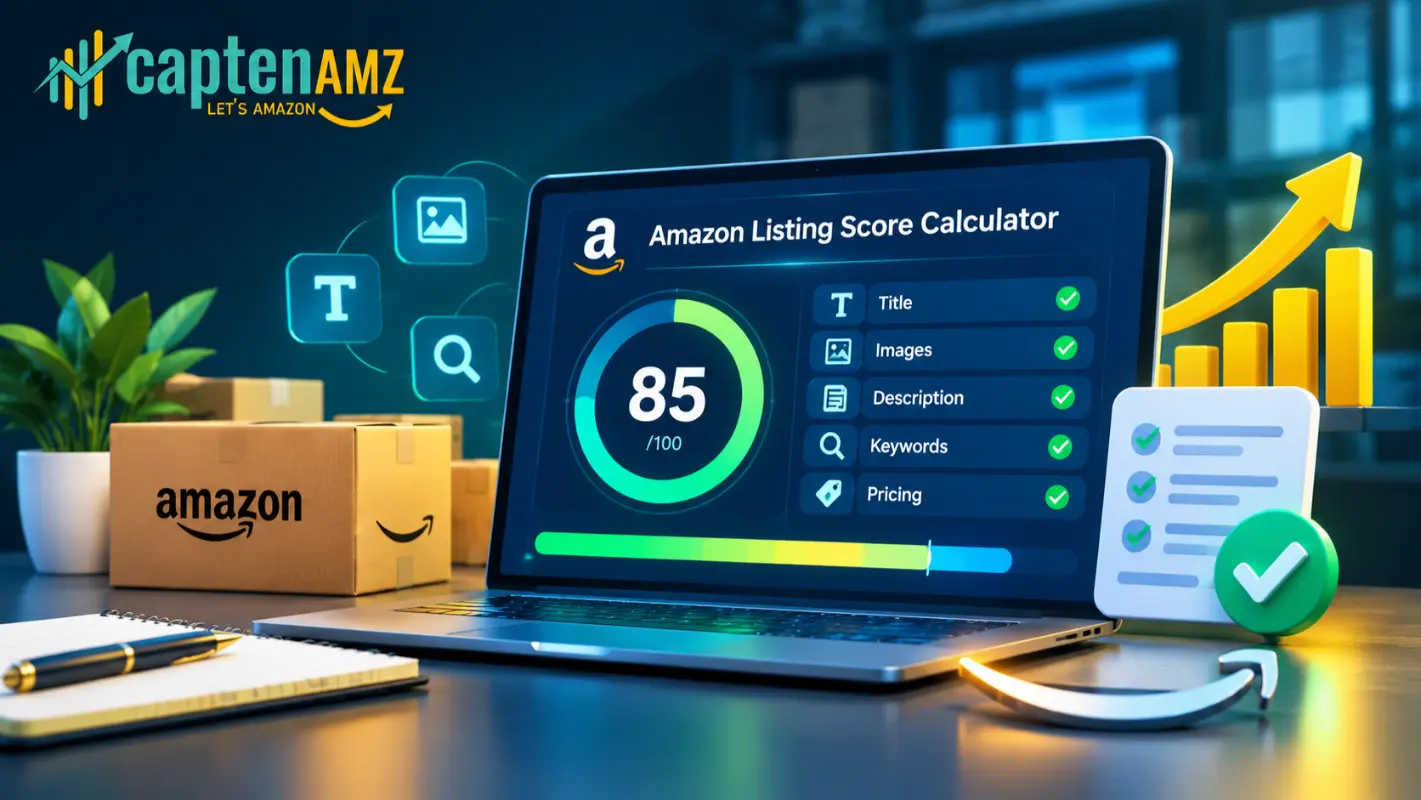
If a shopper never gets a straight answer to “is this listing any good,” neither do you, until sales stall and you’re left guessing why. Amazon’s algorithm scores every listing on data you can’t see directly, but you can reverse-engineer that scoring with the Amazon Listing Score Calculator, a free tool that reads any Amazon URL or ASIN and grades the title, bullet points, images, A+ Content, description, and backend keywords in seconds.
Nothing quite like this has existed on Amazon’s side of the internet before. Most “listing checkers” are keyword density counters wrapped behind a paywall. This one is built around the same seven ranking and conversion factors a professional Amazon SEO audit checks manually, and it costs nothing to run.
This guide covers what an Amazon listing score actually measures, how the calculator generates it, what a good score looks like, and exactly what to do with the result once you have it.
What Is an Amazon Listing Score and Why It Matters
An Amazon listing score is a numerical grade reflecting how well a product detail page matches the elements Amazon’s A9/A10 ranking algorithm and real shoppers respond to: keyword-rich titles, benefit-driven bullet points, complete backend search terms, compliant high-resolution images, A+ Content, and a description free of policy violations.
Amazon does not publish this score anywhere inside Seller Central. Sellers are left checking listing health manually, page by page, comparing against competitors, and hoping nothing is broken. A listing score calculator closes that gap. It gives a single, defensible number a seller, PPC manager, or brand owner can act on immediately instead of guessing which of a dozen listing fields is dragging performance down.
A weak score correlates directly with the problems covered in why your Amazon listing isn’t ranking and why your Amazon listing isn’t showing up in search results: thin titles, missing backend keywords, and incomplete A+ Content all suppress organic visibility before ad spend ever enters the picture.
How the CaptenAMZ Amazon Listing Score Calculator Works

Running the calculator takes four steps:
- Paste the full Amazon product URL, or enter a 10-character ASIN.
- Select the marketplace, or let the tool auto-detect across 20+ storefronts, including amazon.com, amazon.co.uk, amazon.de, amazon.ca, and amazon.in.
- The tool analyzes the live listing content.
- A score appears, broken into how the title, bullets, images, A+ Content, description, and keywords each contributed.
Because the analysis runs against the live listing, the score reflects current reality, not a template guess. That matters for sellers managing catalogs across regions; a title that scores well on amazon.com can fall short of amazon.de formatting expectations, which is exactly where our Amazon PPC agency in Germany and PPC management for UK brands teams typically start a regional audit.
What the Amazon Listing Score Calculator Actually Audits
The Amazon Listing Score Calculator doesn’t return one flat number. It scores the individual components Amazon’s algorithm and shoppers weigh separately.
Title strength. Titles carry the heaviest keyword weight on the page. The tool checks keyword placement, character count, and readability against the same logic covered in the proven Amazon product title formula that ranks and converts.
Bullet points and description. Bullets are scored for benefit language, keyword coverage, and scannability. The description is checked against the standards in Amazon product listing optimization and flagged for language that can trigger suppression.
Images and A+ Content. Image count and whether A+ Content is present both factor into the score. Listings without A+ Content consistently underperform, a gap explained in Amazon A+ Content optimization to boost sales and what A+ Content optimization actually changes on the page.
Backend keywords. The calculator flags thin or duplicated backend search terms, the same issue broken down in Amazon backend keyword optimization.
Listing health and compliance. Suppressed listings, duplicate ASINs, and catalog errors drag the score down even when the visible content looks fine. If the tool flags this, how to fix a suppressed Amazon listing, how to fix duplicate Amazon listings, and the Amazon catalog error fix guide cover the recovery paths in detail.
How to Read Your Amazon Listing Score
Scores group into three practical bands:
- High score. The listing is close to fully optimized: strong title, complete A+ Content, clean backend keywords, no suppression flags. PPC spend on a listing like this converts at its full potential.
- Mid-range score. Usually points to one or two weak sections, most commonly the title or A+ Content, rather than a systemic problem.
- Low score. Signals multiple gaps at once, such as thin content, missing images, or an active compliance issue. Running ads on a listing scoring this low is close to funding traffic to a page that can’t convert it.
This is the same diagnosis logic behind how professional catalog services improve Amazon rankings: catalog health gets fixed before advertising spend is asked to do the heavy lifting.
Common Listing Problems That Tank Your Score
A handful of issues show up again and again in low scores:
- Keyword-thin titles. Built around one or two terms instead of the full buyer search pattern, addressed in Amazon SEO and Amazon keyword research for PPC.
- Missing or outdated A+ Content. Covered by the Amazon A+ Content service.
- Suppressed or search-invisible listings. See how to fix search-suppressed listings on Amazon and the wider list in Amazon errors that kill your sales.
- Duplicate or badly merged listings. Detailed in how to merge Amazon listings the right way.
- Flat file and variation errors. Explained in flat file vs. manual listing creation and the Amazon Variation Listing service.
- Category and compliance misclassification. The exact issue resolved in this product categorization case study and this error 8115 case study.
Each of these is fixable. The calculator’s job is telling you which one is actually the problem before time gets spent guessing.
From Score to Strategy: What to Do With Your Results
A score is a diagnosis, not a fix. What happens next depends on what the calculator flags.
If the title or bullets score weak, that’s a job for Amazon Listing Optimization, or a full rebuild through Product Listing Creation. If A+ Content or images score low, the A+ Content service and enhanced brand content services rebuild that section, with a visual upgrade path outlined in Amazon Brand Store design. If the flag is catalog-level (suppression, duplicates, variation errors), that’s Amazon Catalog Management territory, backed by the Listing Error Fix service.
If the listing content scores well but sales still aren’t following, the bottleneck usually isn’t the listing, it’s traffic and conversion at the ad level. That’s where Amazon PPC Management, a PPC Audit, and PPC Optimization come in, along with Amazon Ads Management for brands running Sponsored Brands and Sponsored Display alongside Sponsored Products.
Amazon Listing Score Calculator for USA, UK, and EU Sellers

Listing standards shift by marketplace, and a listing score should reflect that. The calculator’s marketplace selector accounts for regional differences in character limits, restricted claims, and image standards across amazon.com, amazon.co.uk, and amazon.de. For US-based brands, that regional read pairs naturally with location-specific support like the Amazon PPC agency in New York, the Amazon PPC agency in Seattle, WA, or the Advertising Consultant (USA) service for sellers who want a dedicated point of contact rather than a software subscription.
Brands scaling past seven figures across multiple marketplaces typically need more than a single fix; that’s the exact profile covered by CaptenAMZ’s agency for 7 and 8-figure brands, which pairs catalog work with Seller Account Management and Amazon FBA Management once the listing-level fixes are underway.
Why a Free Calculator Beats Guessing (or Paying for One)
Most Amazon “optimization tools” sit behind a subscription and reduce content to a keyword-density number. The Amazon Listing Score Calculator is different: it’s free, it runs against the live listing every time instead of a cached snapshot, and it scores the same seven elements a human Amazon SEO specialist checks during a paid manual audit.
That combination doesn’t really exist elsewhere on Amazon’s side of the internet right now. Sellers typically either pay for software that never looks past keyword count, or pay an agency for a one-time manual audit. This tool gives away the diagnostic step for free, the same starting point covered in the broader top 10 Amazon tools roundup, minus the paywall. It’s also increasingly relevant as shopping behavior shifts toward AI assistants; tools like Amazon Rufus and sponsored prompts and the broader shift toward AI tools for Amazon PPC both depend on the same clean, complete listing data this calculator checks for.
Real Results Start With an Accurate Score
Numbers only matter if they lead somewhere. In one recent case, a zero-review Amazon account went from $15K to $64K in monthly revenue after a full catalog and PPC rebuild that started with exactly this kind of listing diagnosis. Another brand saw 374% sales growth in 17 days once the underlying listing and catalog issues were resolved. Neither result started with guesswork; both started with an accurate read on what was actually broken. Browse the full set of PPC case studies and catalog case studies to see the pattern repeat across categories from supplements to toys to clothing, or read client reviews directly from sellers who’ve run the process.
Frequently Asked Questions
Is the Amazon Listing Score Calculator really free?
Yes. Paste any Amazon URL or ASIN and the tool generates a score with no signup or payment required.
What marketplaces does the calculator support?
The tool covers 20+ Amazon marketplaces, including the USA, UK, Germany, Canada, India, Australia, and the UAE, with automatic marketplace detection.
How is the Amazon listing score calculated?
The score comes from title strength, bullet point quality, image and A+ Content presence, backend keyword completeness, and listing health flags like suppression or duplication.
What counts as a good Amazon listing score?
A high score reflects a complete title, full A+ Content, clean backend keywords, and no suppression or compliance flags. Lower bands mean at least one section is actively costing rank or conversions.
Does a good listing score guarantee sales?
No. A strong score means the listing itself isn’t the bottleneck. If sales still lag after fixing the listing, the next step is usually a PPC Consultation to check whether traffic and ad structure are the limiting factor.
Can this replace a professional Amazon listing audit?
It’s the fastest way to get a first, accurate read on a listing. For catalog-wide audits across dozens of SKUs, or listings flagged with compliance issues, CaptenAMZ’s catalog management agency handles the deeper fix.
Get Your Free Score, Then Get a Plan
Run the Amazon Listing Score Calculator now; it takes under a minute, and the result tells you exactly which part of the listing is worth fixing first. Whether that means a title rewrite, new A+ Content, a catalog error resolved, or a PPC structure that finally matches a fixed listing, CaptenAMZ has handled it for 200+ Amazon brands across the USA, UK, and Europe. Read more about the team or book a free growth plan and get a second set of eyes on the score before spending another dollar on ads. See us on LinkedIn & Instagram.

Maria R. Donis is an Amazon eCommerce content specialist and digital marketing writer with hands-on experience creating data-driven, SEO-optimized content for Amazon-focused brands. She specializes in producing authoritative content around Amazon PPC management, catalog optimization, listing SEO, and marketplace growth strategies.
Maria collaborates closely with Amazon growth agencies like CaptenAMZ, ensuring that every piece of content reflects real Seller Central experience, platform-specific expertise, and up-to-date Amazon best practices. Her writing is guided by practical insights into how Amazon ads, search algorithms, and buyer behavior work in real-world scenarios.